7 min read

Best Donor Data Integration Options for Nonprofits

Best Donor Data Integration Options for Nonprofits
14:07

Short answer: A CRM connector may fit a defined workflow. Import tools may suit occasional transfers when staff can prepare and review files. A fundraising data automation product may fit regular donor and gift data synchronization that requires matching, coding, validation, scheduled processing, and exception handling. Compare supported systems, product capabilities, recovery steps, and internal capacity. If a provider offers implementation or monitoring services, assess those separately from the product.

This guide compares the options and outlines what to review before a campaign, event, or CRM migration.

If donor or gift records aren’t matching across your fundraising systems, start with Why Doesn’t My Donor Data Match Across Different Fundraising Systems? to understand common causes.

Fundraising CRM data integration options at a glance

Option Often a fit when Consider
CRM connector You need a defined connection between a fundraising platform and CRM. Configuration and monitoring can still take staff time. Check sync coverage, matching limits, exceptions, and total cost.
Import tool Transfers happen occasionally and staff can prepare files and review results. Repeated file prep, mapping, duplicate checks, error correction, reconciliation, and staff time.
Fundraising data automation product Data moves regularly and needs consistent matching, coding, validation, and exception handling. Supported systems, product capabilities, recovery steps, and any separate services.

These options describe different ways to move data. “Managed data automation” can refer to a product, separate operational services, or a combination. Ask which product performs the processing and which services, if any, are provided separately. A product may use APIs, files, or both.

1. CRM connectors

A connector links a fundraising application with a CRM. Depending on the systems and configuration, it may transfer selected records or fields on a set schedule or in response to an event.

A connector can be a good fit when the systems have a supported integration, the workflow is stable, the data mapping and sync direction meet your needs, and your team can monitor the integration and investigate errors.

Before choosing one, confirm what the connector handles. Does it transfer gifts, constituent updates, campaign details, or all three? Can it match incoming gifts to existing constituent records? What happens when a required field is missing, a code is invalid, or a record could match more than one constituent?

A connector can link systems without automating every step around the data. Configuration, profile maintenance, monitoring, and manual workarounds may still take staff time, especially when the connector does not cover all the records or updates a team needs. In a FundSvcs Community discussion, one organization reported trouble pulling all constituent updates and transactions through an Omatic Cloud Connector. In a separate Blackbaud Community discussion about a legacy Raiser’s Edge and Luminate Online connector workflow, a user said refreshing groups required individual exports and could add an hour or more to daily email production. These are specific user experiences, not measures of all connectors or current product performance. Ask vendors to demonstrate the complete workflow in your current systems, including who handles setup, monitoring, failed syncs, and reconciliation.

2. Import tools

Import tools help staff move data into a CRM, often using a file such as a CSV or Excel spreadsheet. They can be useful when transfers are occasional, transaction volumes are manageable, and trained staff can validate the data before and after import.

A typical file-based process may involve preparing the file, mapping columns, applying or checking coding, reviewing possible duplicates, importing the records, and reconciling the results.

File-based workflows can require recurring staff time for file preparation, mapping, profile maintenance, duplicate review, error correction, reconciliation, and reprocessing. Even a dedicated import tool may need setup and hands-on review. In one Blackbaud Community discussion about ImportOmatic, a user described one to two weeks of initial setup, about three hours to import 1,400 alumni records, manual review of possible duplicate and address matches, and several days of cleanup. The same person said the process ultimately cut work time by about half. This is one organization's workflow, not a benchmark, but it shows why teams should count both setup and ongoing review when estimating the staff effort.

For a closer look at this workflow, see how nonprofits can automate CSV and Excel imports into a CRM.

3. Fundraising data automation products

A fundraising data automation product is built for recurring donor and gift data synchronization. It can collect transactions from fundraising platforms, match them to CRM records, apply configured coding and business rules, validate results, and move data on a schedule. Product capabilities vary, so confirm which systems and records are supported.

This type of product may suit organizations that receive gifts through several platforms, process frequent or high-volume transactions, or need consistent matching, coding, validation, and exception handling. Review how the product identifies records that need attention and whether those transactions can be corrected and recovered.

A data automation product does not replace the nonprofit’s business decisions. The organization defines and approves its rules, validates test results, and reviews exceptions that require internal knowledge. Any implementation, monitoring, or operational support should be identified as a separate service with clearly defined responsibilities.

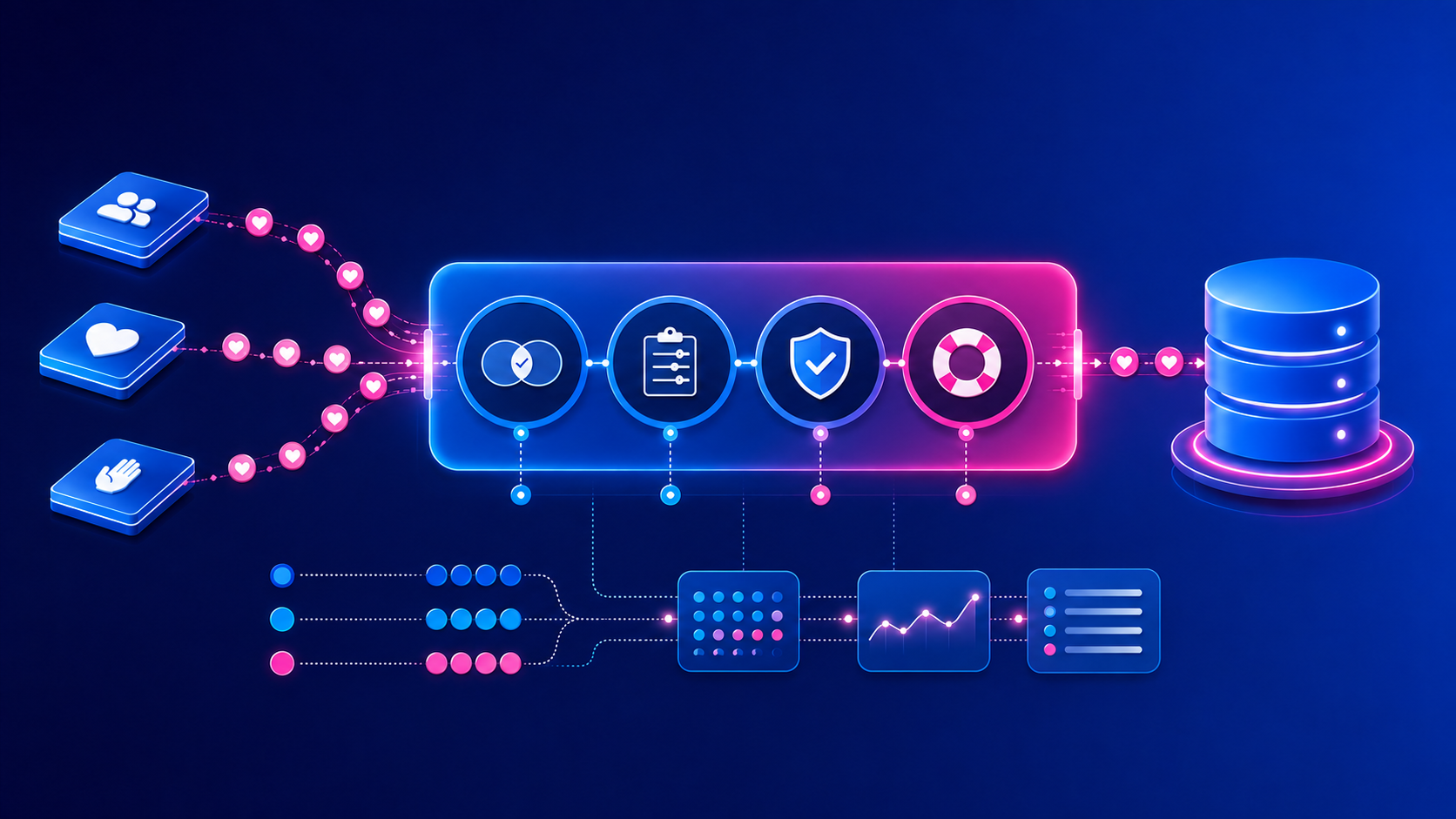
Charity Automator Data Flow is SimpliPhi’s product: the controlled automation layer between your fundraising platforms and CRM. It collects incoming transactions, matches them to existing records, applies your coding and business rules, validates the results, and moves the data on an agreed schedule. Transactions that require attention are clearly identified and recoverable, while source IDs, batch information, and processing history support reconciliation and auditability. This helps reduce spreadsheet handling, support consistent revenue coding, and keep CRM data more current. See the Data Flow technical capabilities for supported systems, records, and rules.

How to compare your options

The best choice is the one that fits the work your team needs to do and the controls your organization requires. Compare options against these questions.

How often does data need to move?

An occasional file transfer may be manageable with an import tool. A process that runs daily, throughout a campaign, or whenever transactions arrive may need a more repeatable workflow. Consider regular volume as well as peak periods. Events, year-end appeals, and emergency campaigns can create temporary increases in transactions and exceptions.

What data and rules are involved?

List the records and fields that need to move, the direction they move, and the rules that must be applied. These might include constituent matching, gift coding, campaign or appeal mapping, required fields, and validation checks. Confirm how each option handles a missing value, an invalid code, a possible duplicate, or a record that requires staff review.

How will you reduce duplicate constituent risk?

Duplicate prevention depends on the matching rules, data quality, and how uncertain matches are handled. Ask which attributes are used to compare records, what happens when a match is unclear, and whether staff can review a possible match before a new record is created.

Duplicate constituent risk depends on source data, matching rules, and how repeat rows and uncertain matches are processed. Public user feedback includes reports of duplicates in specific Omatic Cloud workflows: one Omatic Cloud feedback post describes over 200 duplicates reported across two large events when donors appeared more than once in a file; another user-submitted post describes duplicate creation from repeated rows in a “New Records” queue and the need for manual review and reprocessing. These are individual reports about particular workflows, not a general product-wide rate. Ask vendors to demonstrate repeat gifts, uncertain matches, records without unique IDs, and reprocessing before launch. For related guidance, see how to find and merge duplicate donor records in a CRM.

What is the full cost of the option?

Compare subscription and implementation fees with the staff time needed for file preparation, profile maintenance, duplicate review, reconciliation, and exception handling. Omatic Cloud cost has been a concern for some community members: in a 2026 Blackbaud Community discussion, one organization considering alternatives cited recent rate increases, while an Omatic Cloud user said the cost was difficult to justify alongside features they still needed. In a separate Blackbaud Community thread, a user described the upgrade cost as “not small” and noted that manual processes would remain. These are individual experiences, not published prices or a measure of what every organization will pay. Request a written quote for the systems, modules, implementation, support, renewal terms, and any migration you need.

Who monitors the workflow and resolves exceptions?

Clarify which tasks belong to your team and which belong to the provider. Include file preparation, rule changes, monitoring, exception review, recovery, and reconciliation. Make sure the people responsible for these tasks have the time and access they need.

What will you need to verify?

Before relying on an integration, test representative records and transactions. Confirm that the right constituent is matched, the right codes are applied, exceptions are visible, and totals reconcile between source and destination systems.

Prepare before a campaign or CRM migration

A new integration or a change to existing systems can affect gift processing, reporting, and donor communications. Before a campaign, event, or migration:

  1. Map the workflow. Identify source systems, CRM destinations, records, fields, timing, and owners.
  2. Document the rules. Record matching logic, coding, validation requirements, and decisions that require staff review.
  3. Test representative cases. Include standard transactions, recurring gifts, tribute gifts, and records with missing or conflicting information when relevant.
  4. Reconcile results. Compare source and CRM totals, investigate differences, and confirm that exceptions can be recovered or reprocessed.
  5. Assign responsibilities. Decide who approves rules, reviews exceptions, communicates changes, and supports the workflow after launch.

For more on planning the broader transition, read how nonprofits can successfully migrate to a new CRM. If you’re preparing for an annual appeal, SimpliPhi’s annual giving campaign checklist offers questions to review before launch.

How SimpliPhi supports fundraising data workflows

SimpliPhi works across the full circle of operational data management, from integrations and reporting to CRM implementation and migration.

Charity Automator Data Flow is the product that automates recurring data movement between fundraising platforms and CRM systems, applying configured matching, coding, validation, exception handling, and scheduled processing. SimpliPhi’s CRM implementation and migration services are separate offerings that can help organizations plan workflows, test changes, and prepare teams.

If your main need is unified analysis across fundraising, finance, and marketing data, Charity Automator Data Warehouse supports reporting across source systems.

The outcomes vary by organization and workflow. In one example, Roswell Park Alliance Foundation processed nearly 17,000 online gifts and estimated that the workflow saved about 30 hours per month. At Trillium Health Partners Foundation, integration work was part of a broader data improvement project that included cleaning more than 40,000 duplicate records.

For hospital foundations, SimpliPhi’s fundraising data automation resource focuses on high-volume workflows, campaign readiness, and reconciliation needs.

Frequently asked questions

What is fundraising CRM data integration?

Fundraising CRM data integration is the process of transferring and aligning information between a nonprofit’s fundraising platforms and its CRM. Depending on the workflow, it may include gifts, constituent records, campaign details, coding, matching, and validation.

What is the difference between a CRM connector and an import tool?

A connector links systems to transfer selected data according to its configuration. An import tool helps staff bring data into the CRM, often from a prepared file. The exact capabilities vary, so confirm what each option transfers and how it handles errors and possible duplicates.

Can data integration prevent duplicate constituent records?

Matching and validation rules can reduce duplicate risk and flag uncertain matches for review. No integration can guarantee that duplicates will never occur because results depend on the data and matching rules.

When should a nonprofit consider a fundraising data automation product?

Consider a product when donor and gift data moves regularly across systems and requires repeatable matching, coding, validation, scheduled processing, or exception handling. Evaluate any implementation or monitoring services separately from the product’s capabilities.

What should teams test before a campaign or CRM migration?

Test representative gifts and constituent records, coding and matching rules, exceptions, reconciliation, and recovery steps. Confirm owners and approvals before the workflow goes live.

Charity Automator Data Flow: Updates and Available Connections

1 min read

Charity Automator Data Flow: Updates and Available Connections

We created this checklist to help nonprofit data teams review recent Charity Automator Data Flow updates and identify which capabilities fit your...

Read More
5 Best Fundraising Automation Tools for Raiser’s Edge NXT

9 min read

5 Best Fundraising Automation Tools for Raiser’s Edge NXT

Connecting a fundraising platform to Raiser’s Edge NXT does not necessarily eliminate the work behind the integration. After go-live, your team may...

Read More