
Automated Direct Mail Gift Processing
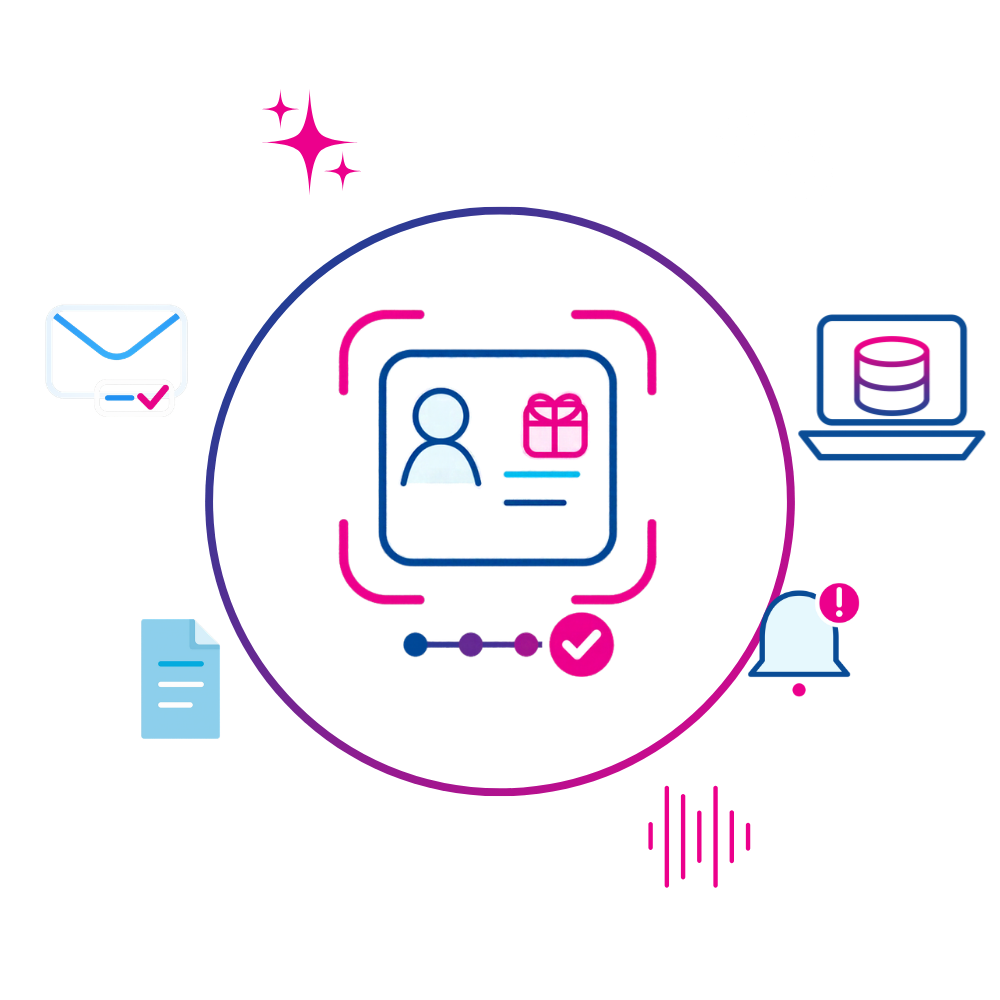
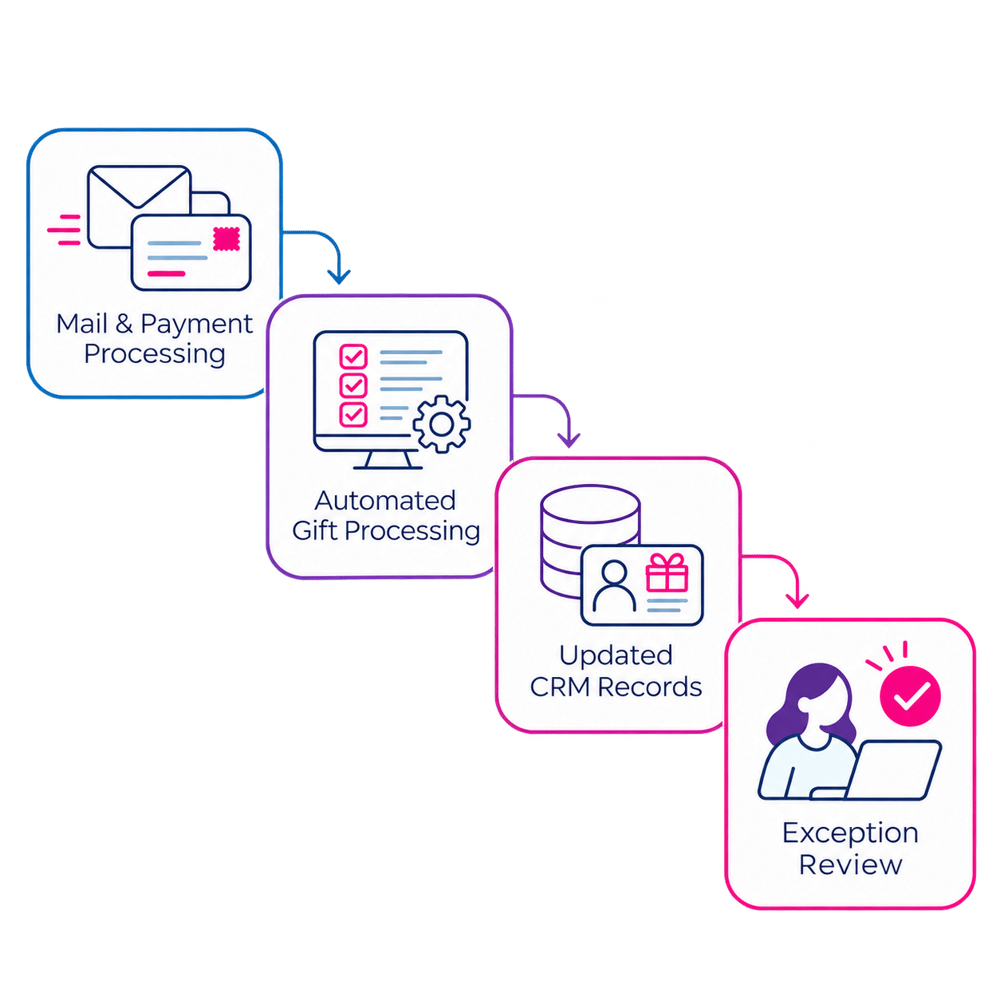
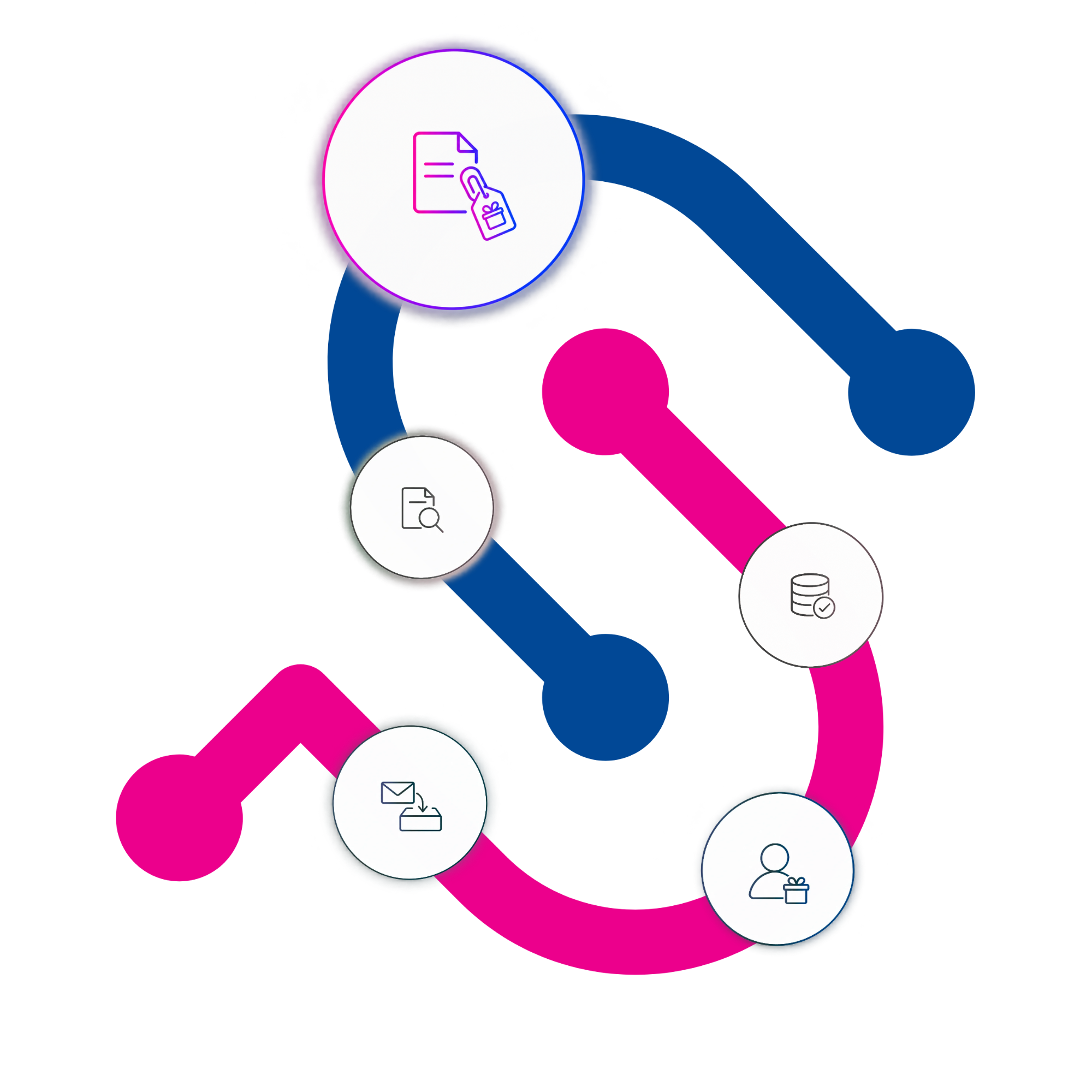
Your mail provider processes payments. SimpliPhi records and codes the gifts in Raiser’s Edge NXT, attaches the supporting documents, and flags items your team needs to review
What is Automated Direct Mail Gift Processing?
Processing donations from direct mail campaigns can take hours of staff time, especially when every gift needs to be entered, matched to a donor, and coded manually.
Our product automatically:
- Captures donation information from your mail processing provider.
- Matches donations to the right donor records in Raiser’s Edge NXT.
- Creates gifts and applies your organization's appeal, package, and gift-coding rules.
- Flags transactions that need human review.
This means less time spent on repetitive data entry and more time for your team to focus on donors, fundraising, and other priorities.
Built on more than 10 years of direct-mail gift-processing experience, the solution is already in use with five nonprofit clients.
Keep gift processing on track during busy campaigns
During annual and year-end campaigns, donation volumes increase, and so do the efforts of your team. By reducing manual gift entry, the team can keep records moving through its acknowledgement and reporting work during busy campaigns
For a step-by-step explanation of the broader direct-mail process, read How Automated Direct Mail Gift Processing Works for Nonprofits.
Your provider handles the mail and payments
Your mail provider continues to receive and scan returned mail and process checks or card payments. SimpliPhi uses the transaction details and scanned documents from your provider to match each response to a constituent, create and code the gift in Raiser’s Edge NXT, attach the documents to the gift, and flag items for your team to review.
Before setup, we confirm that your provider can supply the files this workflow needs.

Gifts are created in Raiser’s Edge NXT
We capture information from the returned mail and use it to create the gift in the CRM.

Appeal, package and gift fields in your CRM
Information will be recorded in the agreed fields of your CRM, such as campaign, fund, gift subtype and payment method. Gift date and cheque date handling are defined for the organization’s workflow and tested with sample transactions.

Validate exceptions and follow-up items
Transactions that do not meet configured rules can include incomplete payments, unmatched identifiers, non-gift correspondence, donor notes or constituent updates. The product flags items requiring a decision.

Keep reply forms, checks and correspondence associated with the gift
Scanned reply forms, checks, notes, letters and other supporting documents are stored as standard attachments on the related gift record in Raiser’s Edge NXT.
This product can be integrated with external file-storage services such as AiryDocs or SharePoint.
For the current Canadian ULBX workflow, financial and non-financial IFT outputs carry the related image files.

Check whether your mail provider is supported
Bring your provider details, a sample transaction file and exception categories. We’ll confirm compatibility, setup requirements, test criteria and processing cadence for your deployment.
Automated direct mail gift processing: product FAQs
Answers about fit, setup inputs, payment responsibilities, provider compatibility and exception handling.
-
What is SimpliPhi Automated Direct Mail Gift Processing?
It is a product that connects supported lockbox (mailing) provider outputs with Raiser’s Edge NXT. It applies configured matching, gift-coding and validation rules, creates gifts on appropriate constituent records, and flags transactions that require review.
-
What does our nonprofit need to provide before setup?
Provide the lockbox or caging provider details, representative transaction files and document images, Raiser’s Edge NXT field mappings, gift-coding rules and exception categories. Confirm the reply-piece identifier and who generates and captures it. If payment-provider or bank enrollment is required, the nonprofit completes that setup.
-
Which lockbox providers and systems are supported?
The CRM destination is Raiser’s Edge NXT. The product connects to supported lockbox or caging providers that can supply the agreed transaction data and document outputs. Provider compatibility and file requirements are confirmed before implementation.
-
Does SimpliPhi receive the mail or process payments?
No. Your provider receives and scans returned mail and handles check deposits or card payments. SimpliPhi uses the transaction details and scanned documents to update Raiser’s Edge NXT.
-
How are constituent matching and gift coding configured?
The setup maps the organization’s agreed response identifiers and provider fields to Raiser’s Edge NXT constituent and gift fields. Appeal, package, campaign, fund, gift subtype and date handling are configured and tested against representative examples.
-
What happens to a transaction that does not meet the rules?
The product flags transactions requiring human validation, such as incomplete payments, unmatched identifiers, non-gift correspondence or constituent updates. The review owner, access point and resolution process are agreed during setup; the product does not treat every returned item as an automatically approved gift.
-
Where are supporting documents stored?
Scanned reply forms, checks and related correspondence are stored as standard attachments on the gift record in Raiser’s Edge NXT. Users can download the attachments from Raiser’s Edge NXT. Charity Automator does not currently integrate with external file-storage services such as AiryDocs or SharePoint.
-
How do you confirm whether our provider is supported?
We review your provider’s transaction data and scanned document files with your team before setup. We then confirm compatibility, setup requirements, testing and processing schedule.
-
How does the process work with U.S. providers?
U.S. provider formats and delivery methods vary. Before setup, we confirm that your provider can supply the transaction details and scanned documents needed to create and code gifts in Raiser’s Edge NXT. Your provider continues to handle mail and payments.
-
How does the current Canadian setup work?
The current Canadian setup uses Symcor ULBX. Symcor supplies payment data and financial and non-financial IFT image packages over SFTP, and sends X9 cheque-clearing files to your bank. These technical details are specific to this setup; file formats and delivery methods vary by provider.
Our ecosystem covers every step of your data journey.
![]()
Charity Automator Data Flow
Automate how data moves between your systems. No more manual exports or juggling import tools, just clean, connected information flowing automatically from Raiser’s Edge NXT, Luminate Online, Salesforce, Fundraise Up, and more.
![]()
Charity Automator Data Warehouse
Bring all your fundraising, finance, and marketing data together in one reliable source of truth. With unified reporting and advanced insights, you can see the full picture of your organization’s impact.

AmpliPhi.app
Smart Segmentation. Use your clean data to fundraise smarter. AmpliPhi.app helps you segment audiences, personalize outreach, and turn insights into action.
Explore AmpliPhi →![]()
Managed Fundraising Operations
We provide hands-on support to manage critical fundraising processes, from data health and gift processing to donor services and advanced BI and reporting.
Explore Fundraising →![]()
Consulting Services
Design the right foundation for growth. Align your systems, processes, and data structure with expert guidance, from CRM implementation to team training.
Explore Consulting →