3 min read

What Are Notifications in AmpliPhi and How Do They Help Fundraising Teams Act with Confidence?

This new in-app feature brings real-time communication directly into your AmpliPhi workspace, so fundraising, finance, operations, and data teams can stay in flow, avoid surprises, and act faster on donor data.

As our Front-End Software Developer Jean-Christophe Faul put it, ‍

Notification is a way for us to communicate with somebody in real time, most specifically when you’re actively using the application.

What Notifications are in AmpliPhi

Notifications are live, in-app alerts that appear while you work. They do not require refreshing the page or bouncing between screens.

Notifications have two core experiences:

  • A pop-up alert (bottom-right)
    • A notification appears on screen while you are working.
    • All notifications are clickable, and clicking triggers an action.
Notifications AmpliPhi example
Example: a welcome notification can open your Intercom chat, so help is literally one click away.
  • A notification center (top-right widget)
    • A widget in the top-right opens a panel with recent notifications.
    • Notifications are organized into:
      • Personal notifications (related to actions you took or events tied to your user)
      • Organization notifications (related to your org, visible only to relevant roles such as admin/owner for billing items)
Notifications AmpliPhi example of personal message

This distinction is crucial for operational clarity. A fundraising manager should not be overwhelmed with payment reminders, nor should a finance director need to know or to take action when the campaign is ready to launch.

With Notifications, AmpliPhi can surface the right message early, inside the product, while the right people are already working.

That is what we mean by removing data friction. Not just making segmentation faster, but reducing the operational drag that slows down fundraising execution.  

For fundraising managers and campaign directors, this means you can keep building the next segment, planning the next send, or reviewing results, without babysitting a single screen.

The first set of Notifications you will see in AmpliPhi

We designed the first wave of notifications around moments that impact continuity and confidence.

1) Welcome to AmpliPhi

A warm in-app welcome that reminds users they can reach support at any moment. Clicking it opens the Intercom chat experience, so help is one click away.

2) Payment method reminder

Notifies the authorized person (organization owner in the app) to add or update a payment method before a trial ends.

3) Invoice past due reminder

Notifies the authorized person (organization owner in the app) to pay an invoice before it becomes past due. This is especially useful for organizations that pay via invoice and check, where timing and processing are not instant.

4) Template entity creation

If you generate a campaign or segmentation from a template and it takes time to build in the background, you will get a notification the moment it is ready. You can click straight into what was created and keep moving.

30 days trial ampliphi

The technology behind Notifications

Notifications are powered by websockets, a real-time communication foundation that allows AmpliPhi to send live messages instantly while you work.

Most importantly, this foundation does not stop at alerts. Jean-Christophe described Notifications as a messaging system between server and user, and noted that websocket communication can also go user-to-server. That matters because it opens the door to future capabilities like:

  • Collaborative work inside AmpliPhi (two people working on the same segmentation and seeing changes reflected live)
  • More responsive support experiences where SimpliPhi can guide users with real-time visibility during calls
  • A richer real-time layer across the app, beyond a single notification surface

About AmpliPhi

AmpliPhi.app is a nonprofit data segmentation application built to help fundraising teams act with confidence and move faster from planning of their annual campaigns to execution.

Fundraising teams often lose time and momentum because they do not fully trust their segments, cannot clearly see who is included in an audience, or need to wait on reports and operational support before launching campaigns. AmpliPhi removes this friction by connecting directly to existing donor data sources, so teams always work from trusted, up-to-date information without duplicating data or exporting spreadsheets.

At the core of AmpliPhi is a practical workflow — Connect, Build, Validate, Visualize, Activate. Teams can build and adjust donor segments on their own, visually confirm who is included, understand overlap and gaps across audiences, and activate campaigns in minutes instead of days.

If you want faster campaign launches, greater confidence in the donor experience, less frustration across teams, and stronger fundraising results, book a demonstration of AmpliPhi. See how the platform supports confident, efficient fundraising and explore the application in action.


Frequently asked questions (FAQ)

Are AmpliPhi Notifications email alerts?

Not right now. Notifications are currently designed as in-app, real-time alerts while you are using AmpliPhi. Email notifications are planned.

Can I click a notification to take action?

Yes. Notifications are designed to be interactive, so clicking can open the right place in AmpliPhi (or open support chat, depending on the notification type). Who sees organization notifications like billing reminders?

Billing notifications are shown to relevant roles, currently owners and admins, so the right people are prompted without notifying everyone.

Will I be able to control which notifications I receive?

Yes, notification settings are planned, especially for optional workflows, while critical notifications (like maintenance or billing reminders) may always be on.

AmpliPhi Now Connects with Salesforce: Product Update for Nonprofit Fundraising and Data Teams

AmpliPhi Now Connects with Salesforce: Product Update for Nonprofit Fundraising and Data Teams

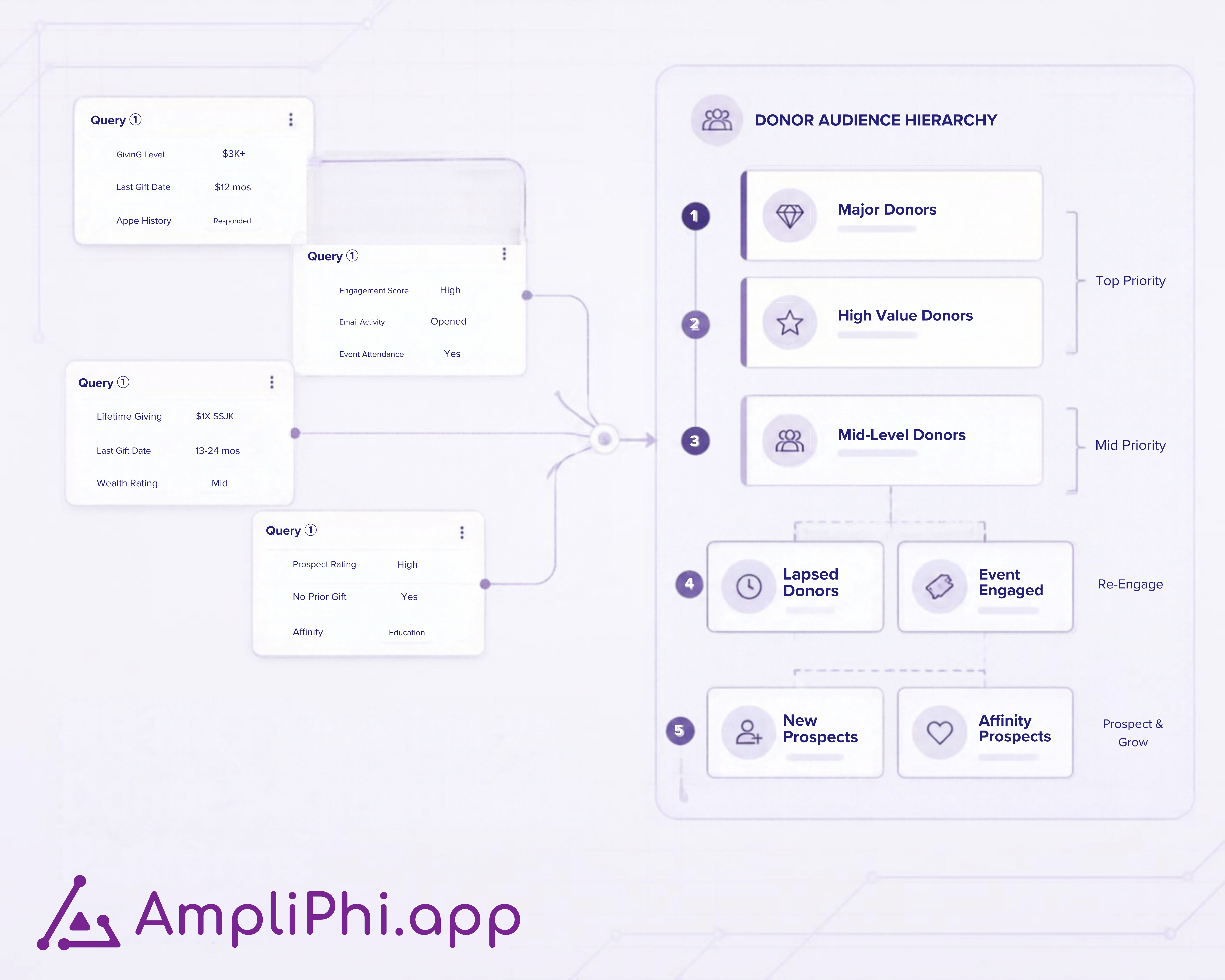
AmpliPhi.app now connects directly with Salesforce, enabling nonprofit fundraising and data teams to build, validate, and activate campaign audiences...

Read More
3 Common Mistakes in Managing Philanthropy Campaigns

3 Common Mistakes in Managing Philanthropy Campaigns

Nonprofits often face three key mistakes in philanthropy campaigns: failing to segment donors, neglecting data-driven strategies, and skipping...

Read More
7 Best Donor Segmentation Tools for Nonprofits in 2026

7 Best Donor Segmentation Tools for Nonprofits in 2026

Compare 7 donor segmentation tools for nonprofits in 2026. See which fit RE NXT, Salesforce, recurring campaigns, audience priorities, and CRM...

Read More
How to Segment an Annual Giving Campaign: The Complete Guide

How to Segment an Annual Giving Campaign: The Complete Guide

Discover how to segment an annual giving campaign using lifecycle frameworks, RFM metrics, and multi-channel strategies to boost donor retention and...

Read More
AmpliPhi: Donor Segmentation Platform for Nonprofits

AmpliPhi: Donor Segmentation Platform for Nonprofits

AmpliPhi helps nonprofit and hospital foundation teams prioritize, validate, and apply campaign audiences alongside Raiser’s Edge NXT or Salesforce.

Read More
How Do CRM Queries and a Segmentation Workspace Work Together?

How Do CRM Queries and a Segmentation Workspace Work Together?

See how Raiser’s Edge NXT queries and a segmentation workspace work together, from source criteria to campaign rules, count validation, and CRM...

Read More
Donor Segmentation Strategies for Nonprofits: Stop Second-Guessing Your Campaign Lists

Donor Segmentation Strategies for Nonprofits: Stop Second-Guessing Your Campaign Lists

Learn practical donor segmentation strategies for nonprofits. Discover how to build, validate, and optimize fundraising audiences to increase...

Read More
Hospital Foundation Campaign Approvals: Donor Exclusions

Hospital Foundation Campaign Approvals: Donor Exclusions

Define who approves donor exclusions in hospital foundation campaigns, what to record, and how to handle late changes across email and direct mail.

Read More